AI image models are now good enough to visualise almost any idea: a product, a space, a set, a pop-up, a piece of packaging. They're still bad at one thing: showing the same idea twice. Ask for a second angle and objects move, proportions change and details disappear. Prompt-first and reference-first workflows can't fix that, because the model reimagines the idea on every shot. Clay-first can. You build the idea once as a simple 3D clay model and ask the image model only to paint it. The clay holds what has to stay the same, and the prompt directs the look.
The Seventh Chukka is a self-initiated, speculative concept made to demonstrate this workflow. It is not a commission, and it is not affiliated with or endorsed by Amouage. Amouage names, marks and products shown belong to their owner.
TL;DR
- Prompt-first: the model imagines your idea. It's fast and beautiful, and different every time.
- Reference-first: sketches and mood images improve the look, but the model still guesses the form.
- Clay-first: the form is fixed in 3D before generation, so any angle renders on demand, every view matches, and one change updates every shot.
- The prompt still matters. Its job just narrows to materials, light and mood.
Prompt-first
Sketches → Prompt → Generate
Reference-first
Sketches → Prompt + reference images → Generate
Clay-first
Sketches → Clay model → Generate
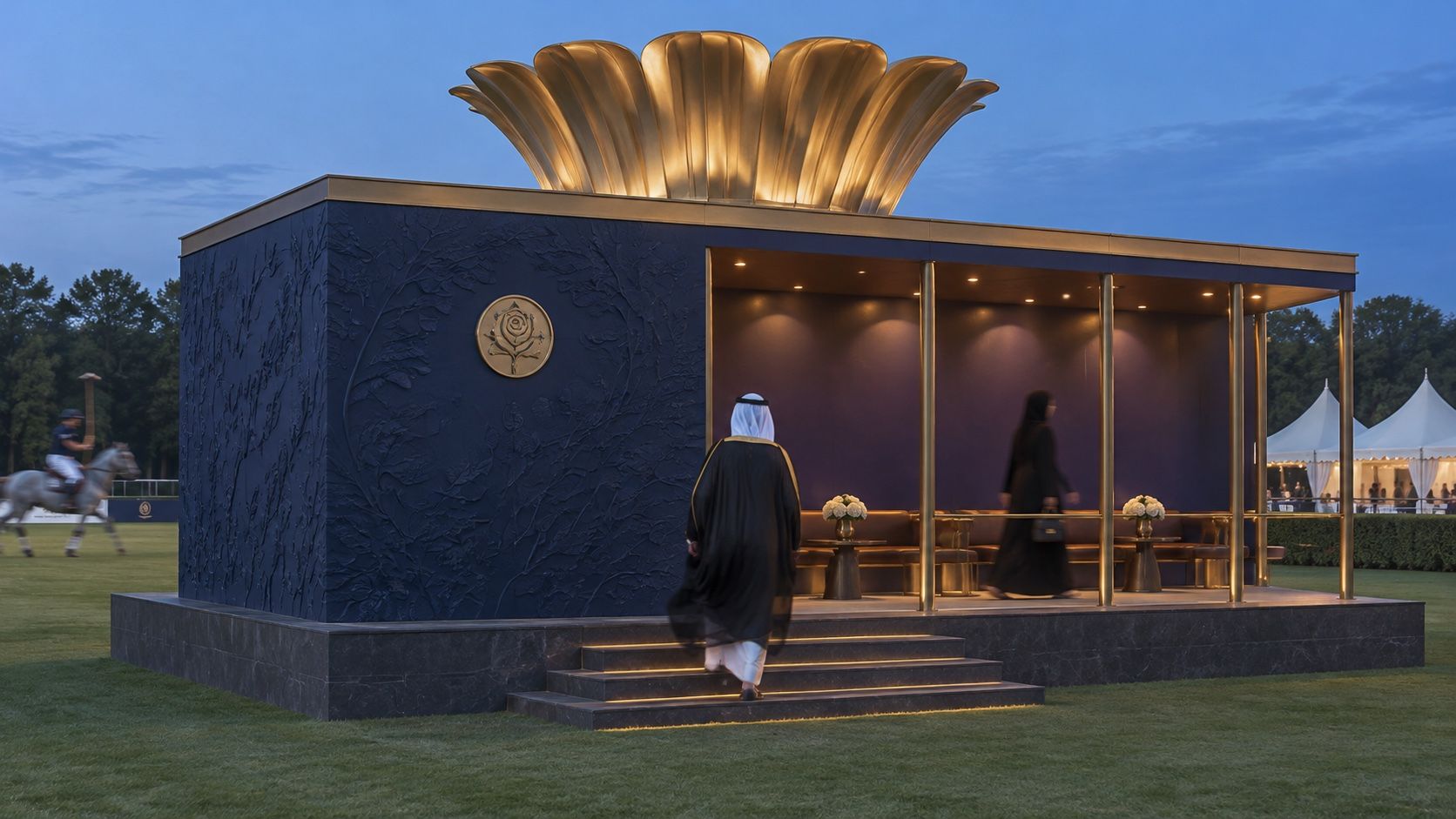
Left to right: prompt-first, reference-first, clay-first. Words alone invent a lotus crown and a new colonnade. The sketch fixes the crown, but the model still guesses the rest. Only the clay holds the whole form.
Why is one good image not enough?
Because an idea is rarely sold with one image. A concept usually needs a hero shot, a wider view, a close-up, maybe a night version or a second colourway. People reviewing it are quietly checking whether all those images describe the same thing.
When they don't, the idea stops feeling real. If the object has three legs in one shot and four in the next, or the logo panel moves from left to right, the reviewer stops looking at the idea and starts looking at the mistakes.
So the question isn't whether an image is beautiful. It's whether every image shows the same idea.
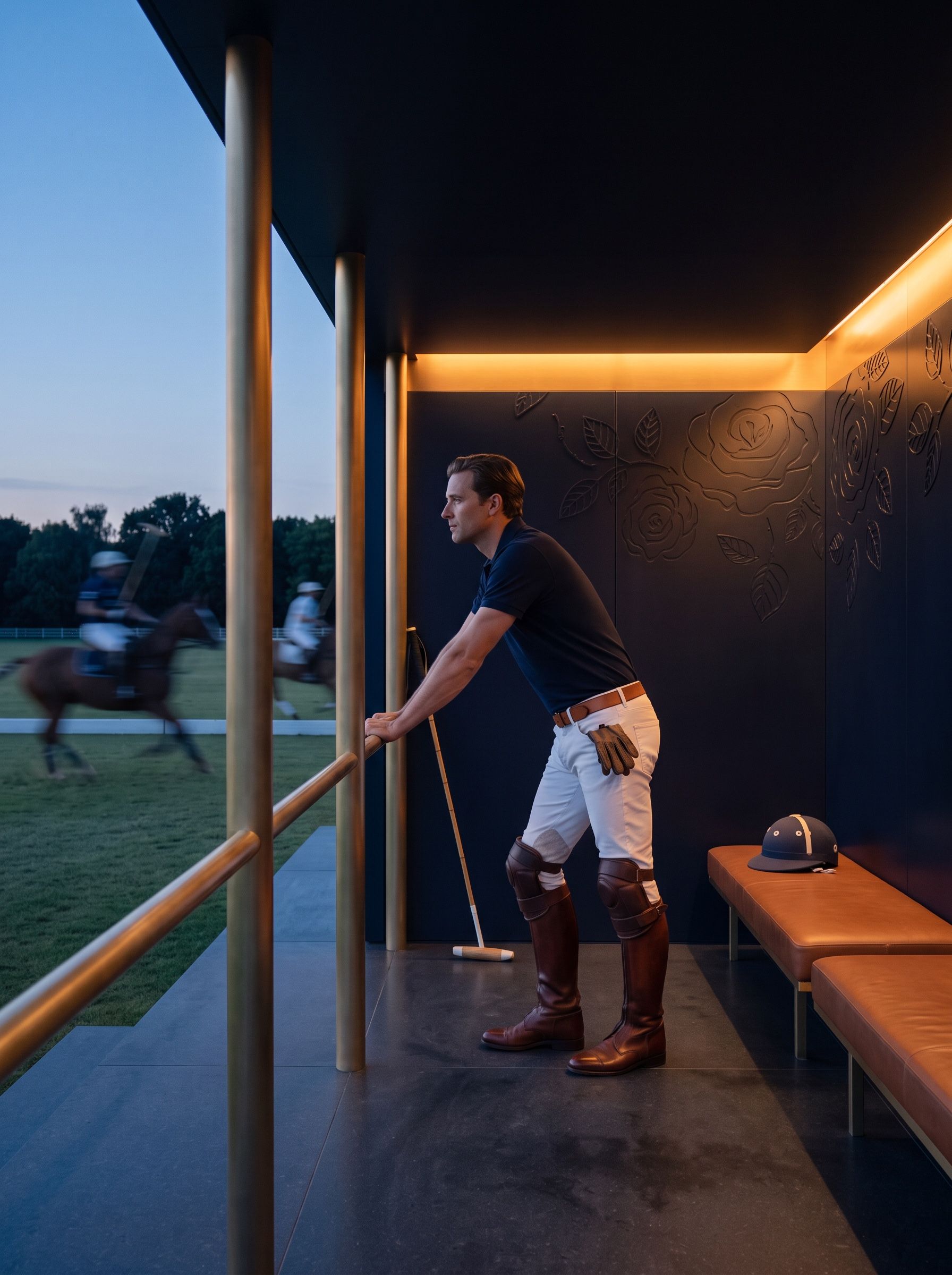
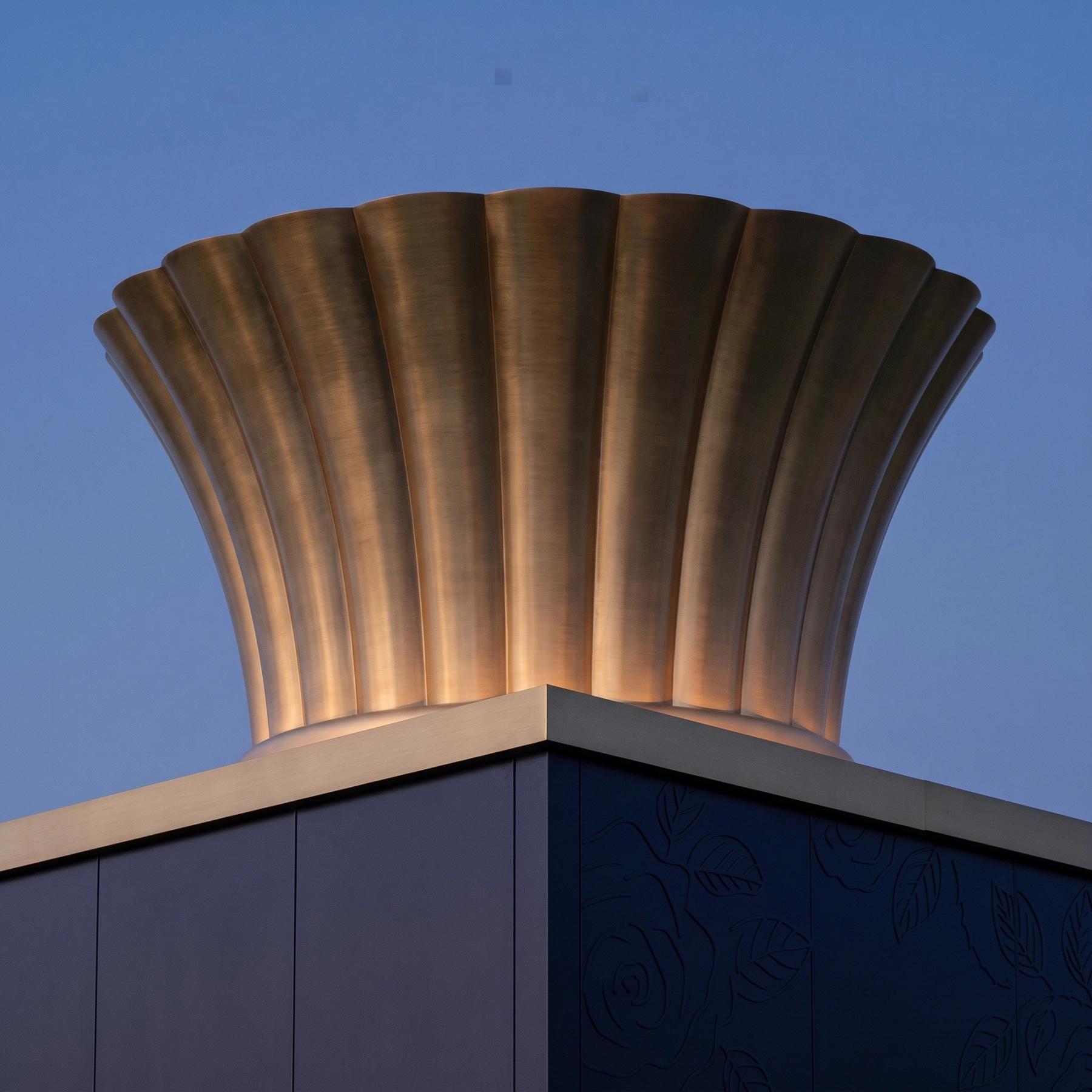
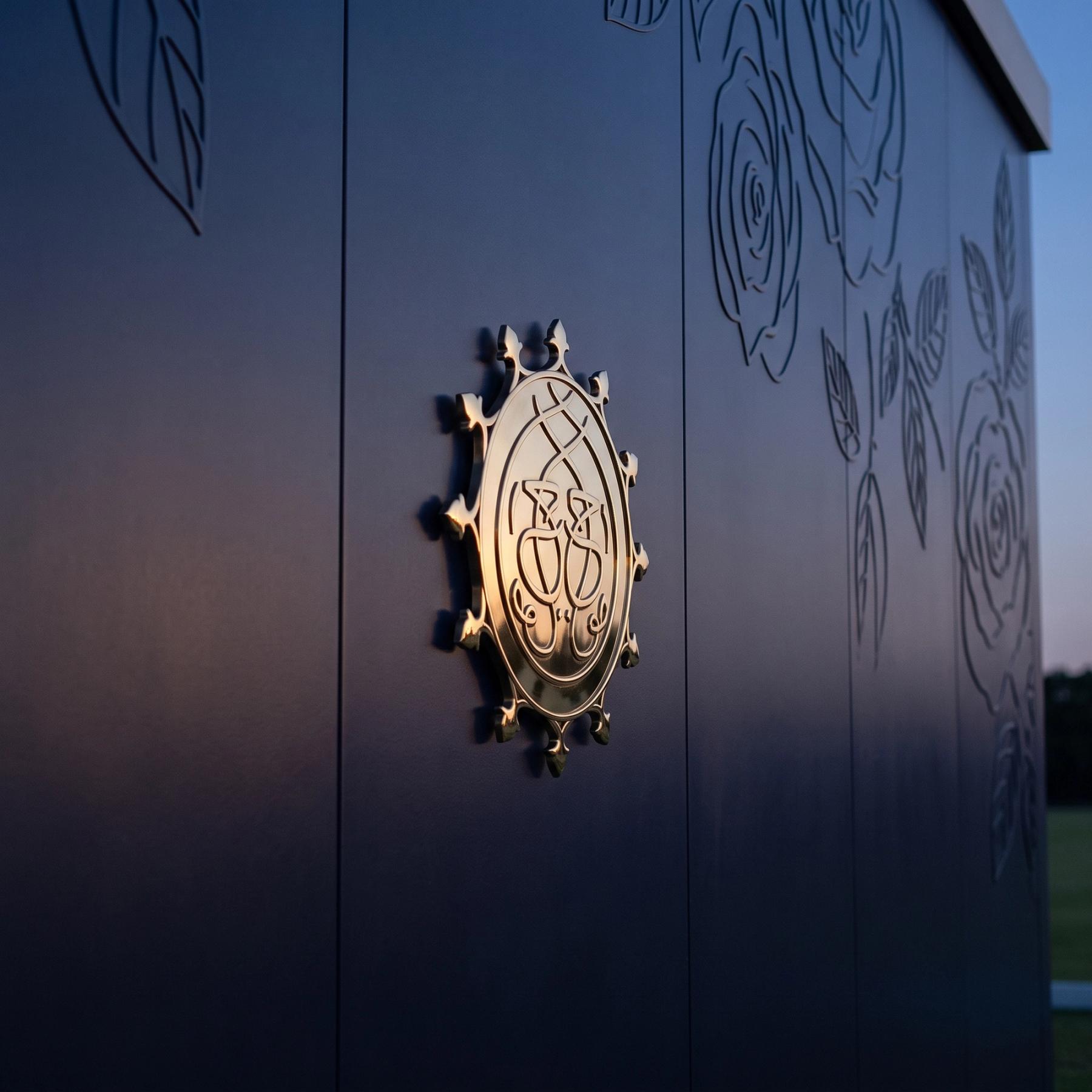
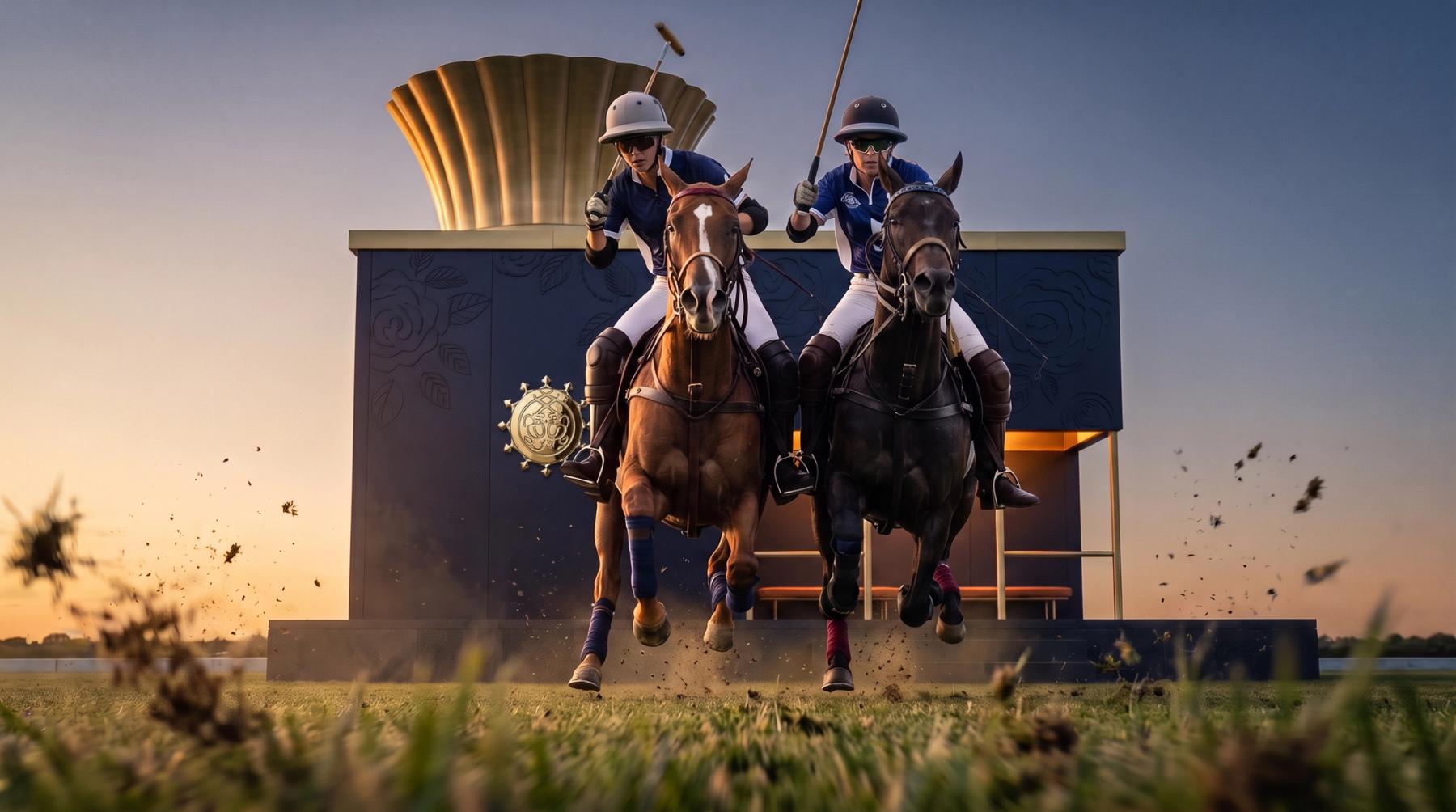
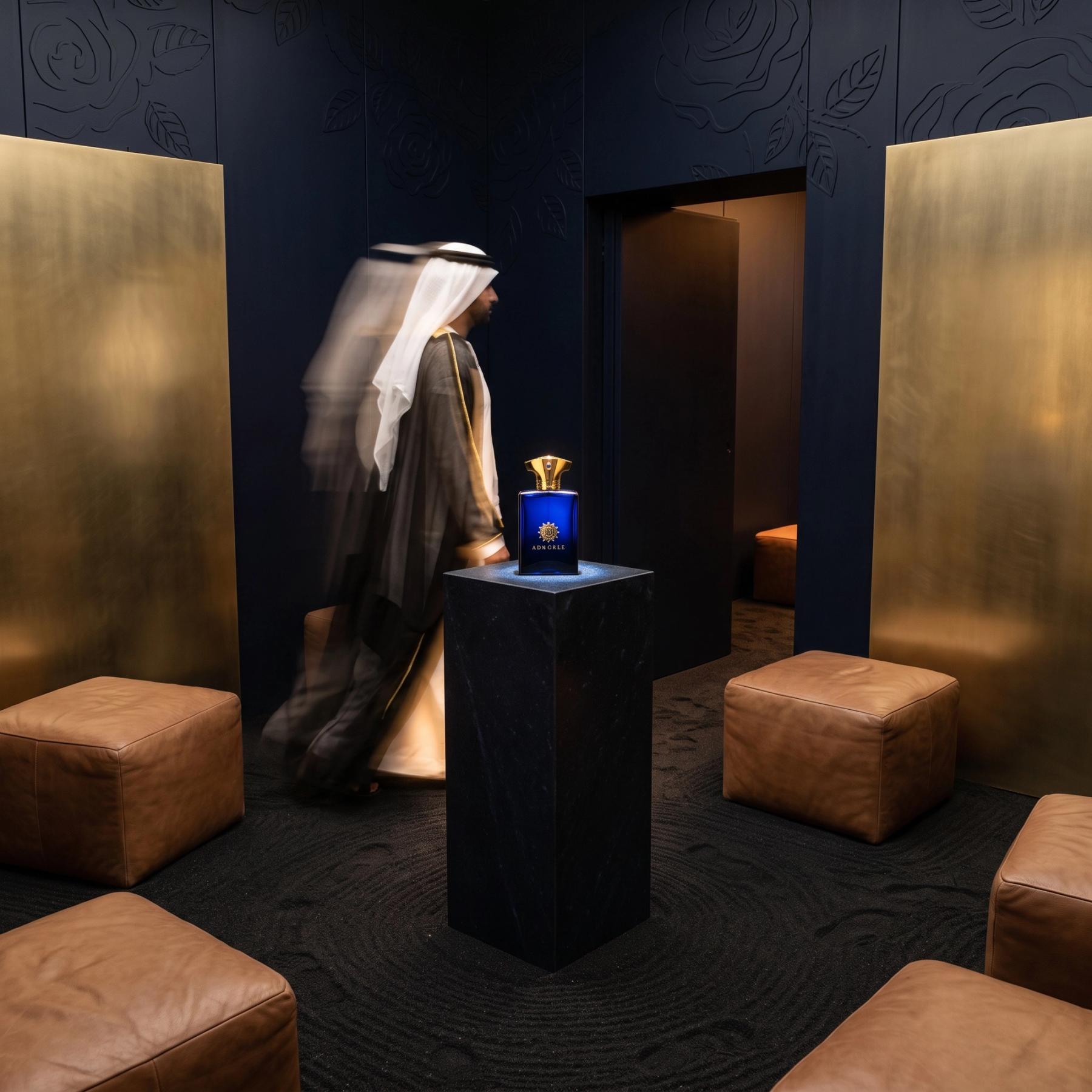
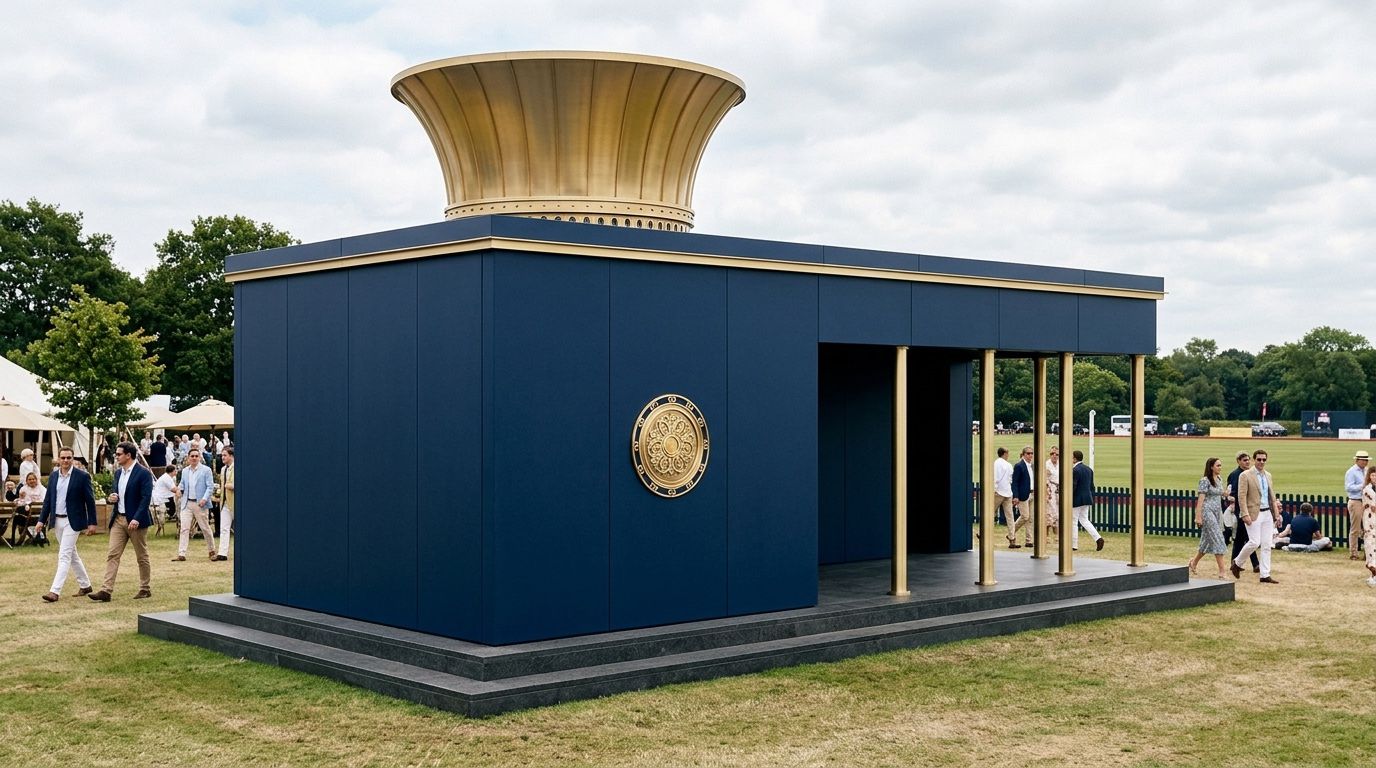
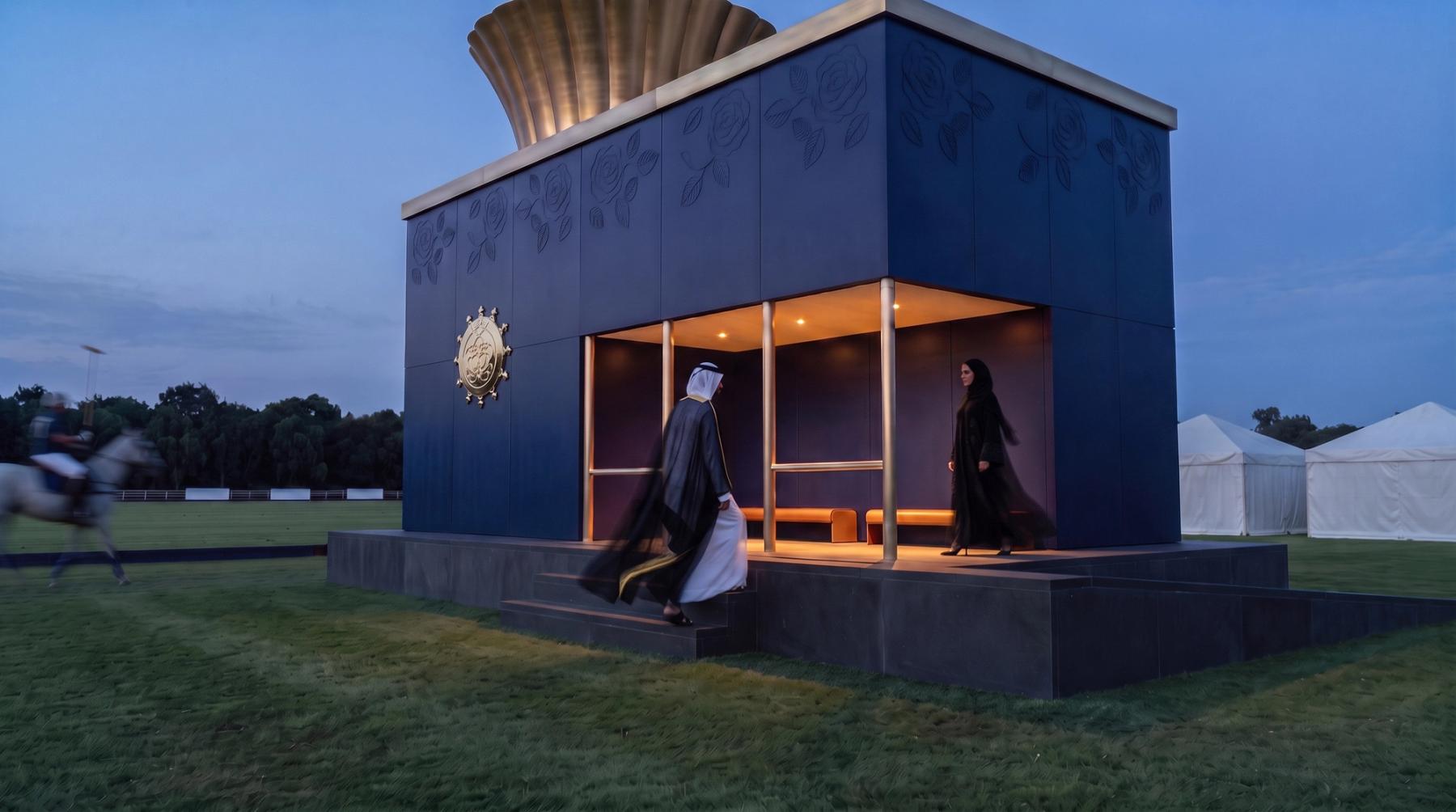
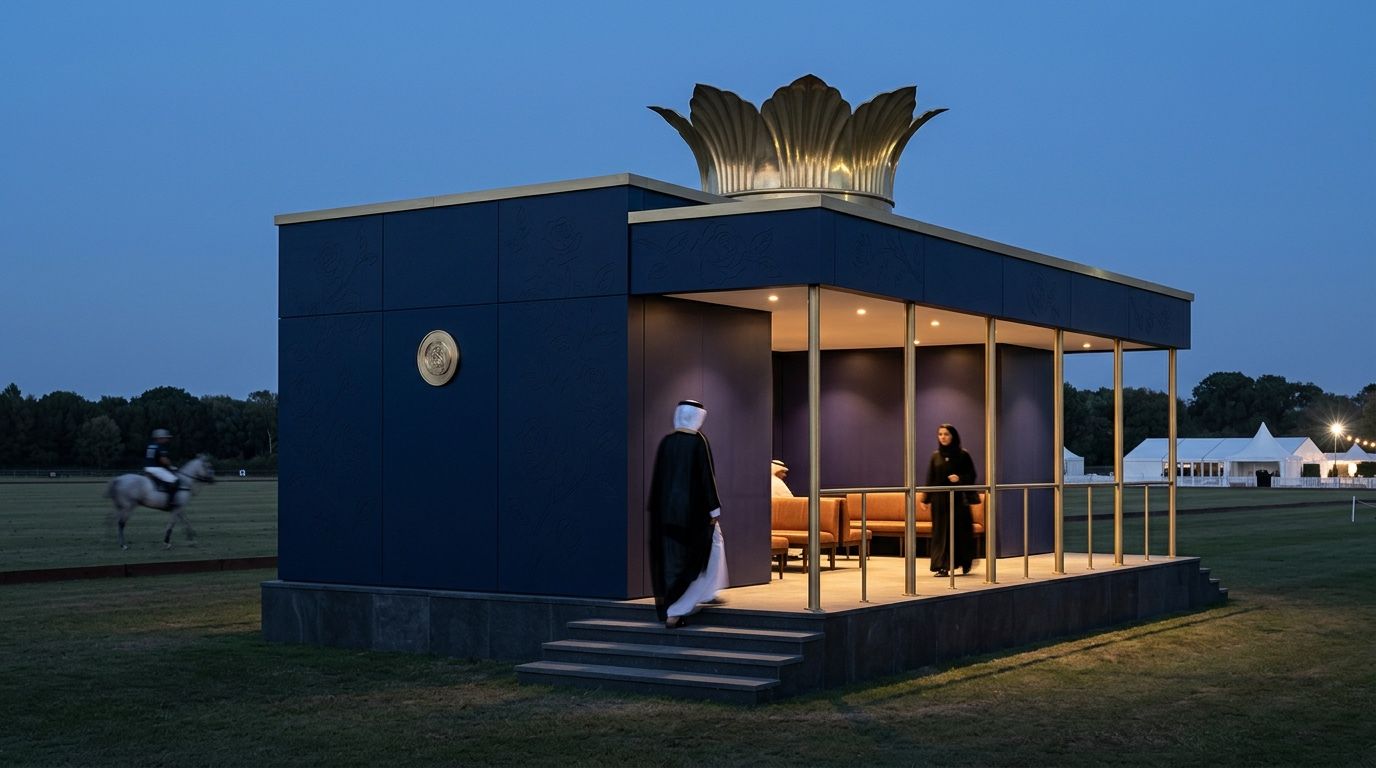
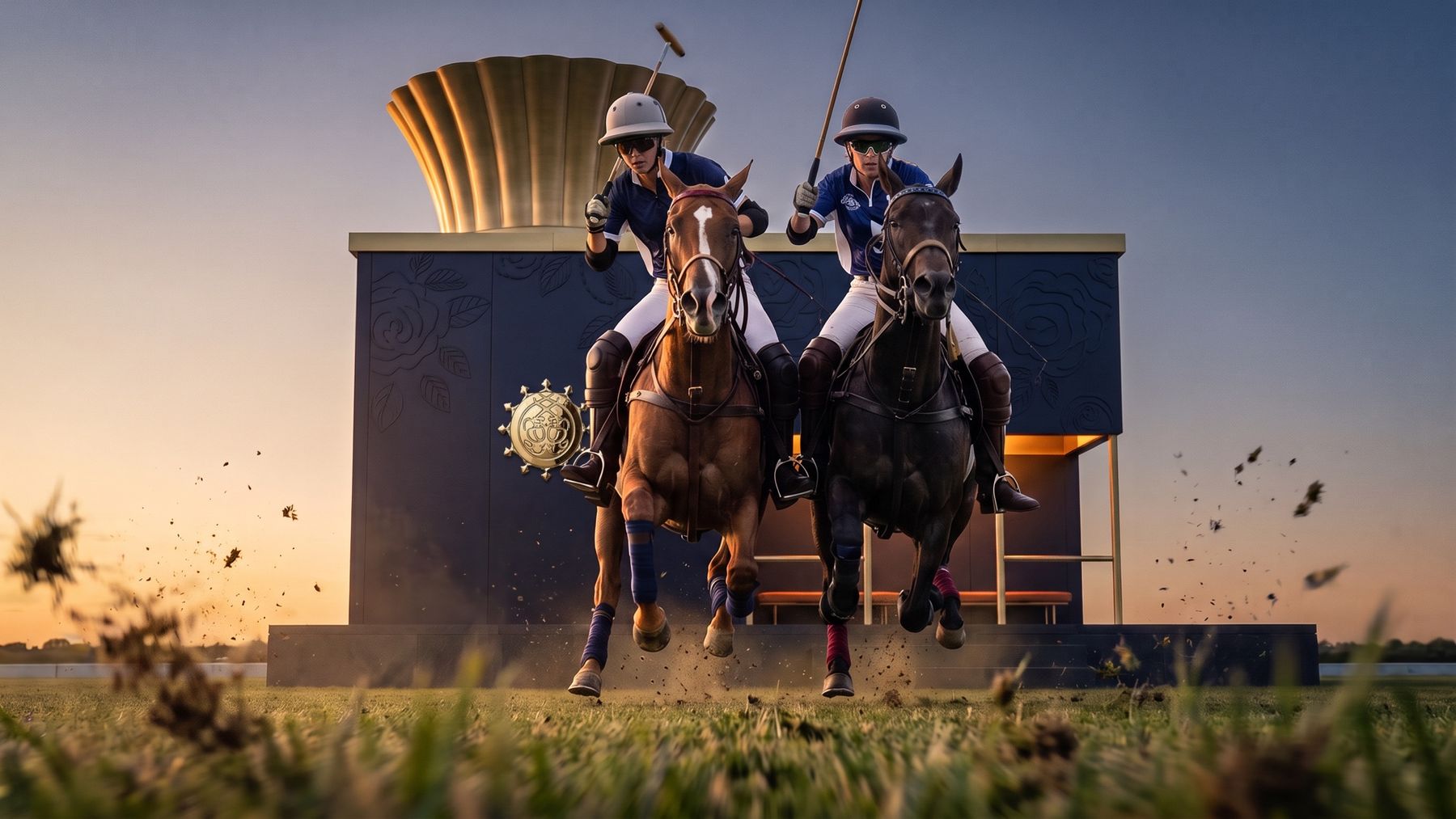
Six shots, one pavilion. The crown, columns, benches and emblem sit in the same place in every frame.
Stage 1: Why does prompt-first fail?
You describe the idea in words and the model imagines it. For early mood and direction, that's great: fast, surprising and cheap to throw away.
But it can't hold an idea still:
- Proportions drift. The same object comes back taller, wider or flatter.
- Parts go missing or multiply. Five elements become four or six.
- Placement changes. What was on the left is now on the right.
- Text and logos get invented.
- Every angle is a new design. The wide shot and the close-up don't agree.
Better prompts don't fix this. Words can't describe a form precisely enough for the model to rebuild it the same way twice.
Same prompt, two models, two buildings. Neither is the pavilion in the sketch.
Stage 2: Why isn't reference-first enough?
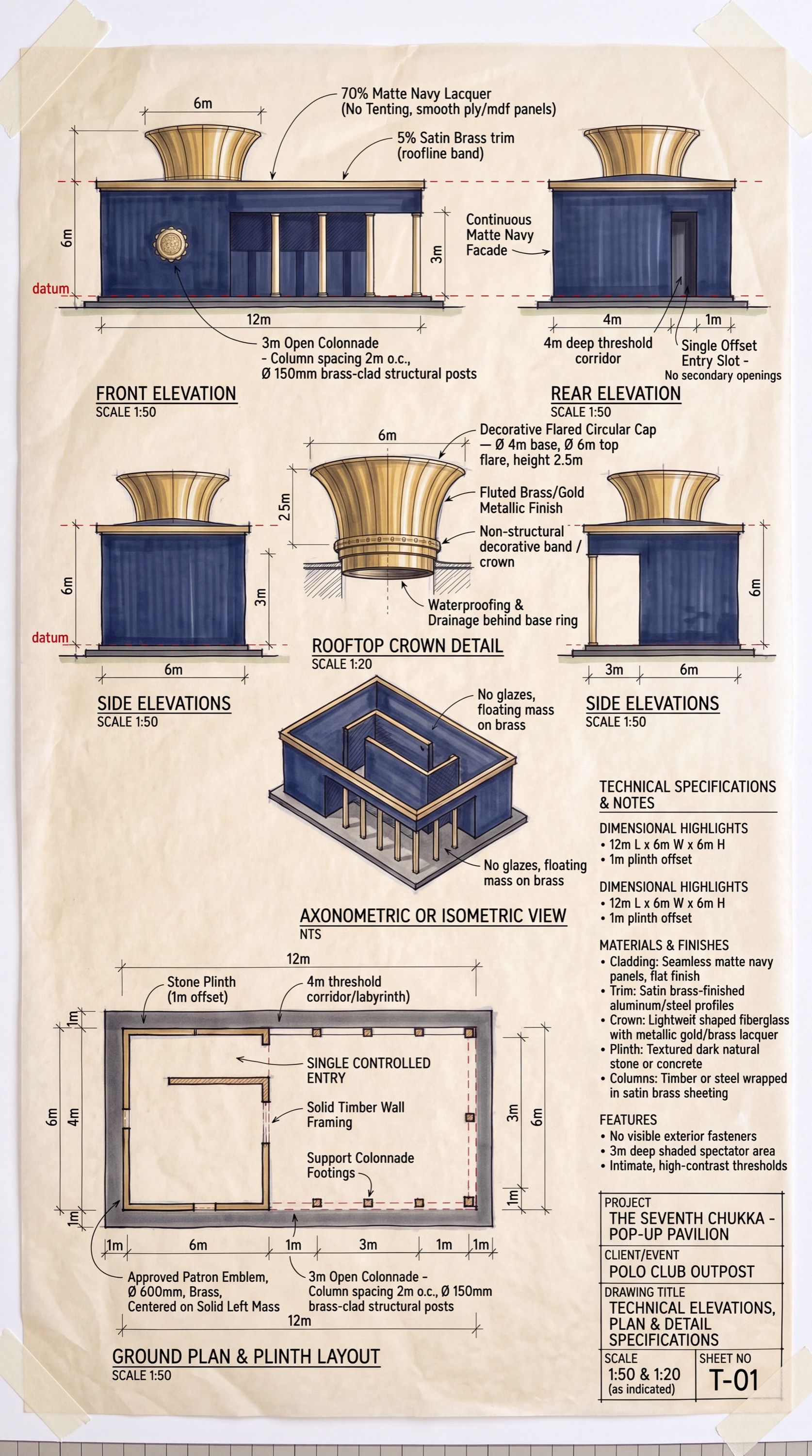
The next step is to show the model pictures: sketches, mood boards, material swatches, a plan or an elevation. That improves the look a lot. Style, materials and atmosphere get much closer to what you meant.
But the model is still guessing the form. A sketch from the front doesn't tell it what the back looks like. A top-down plan is hard for it to match to a perspective view. So it fills the gaps differently every time, and parts drift between angles.
References tell the model what things should look like. They don't tell it what shape they are or where they sit.
Stage 3: What changes with clay-first?
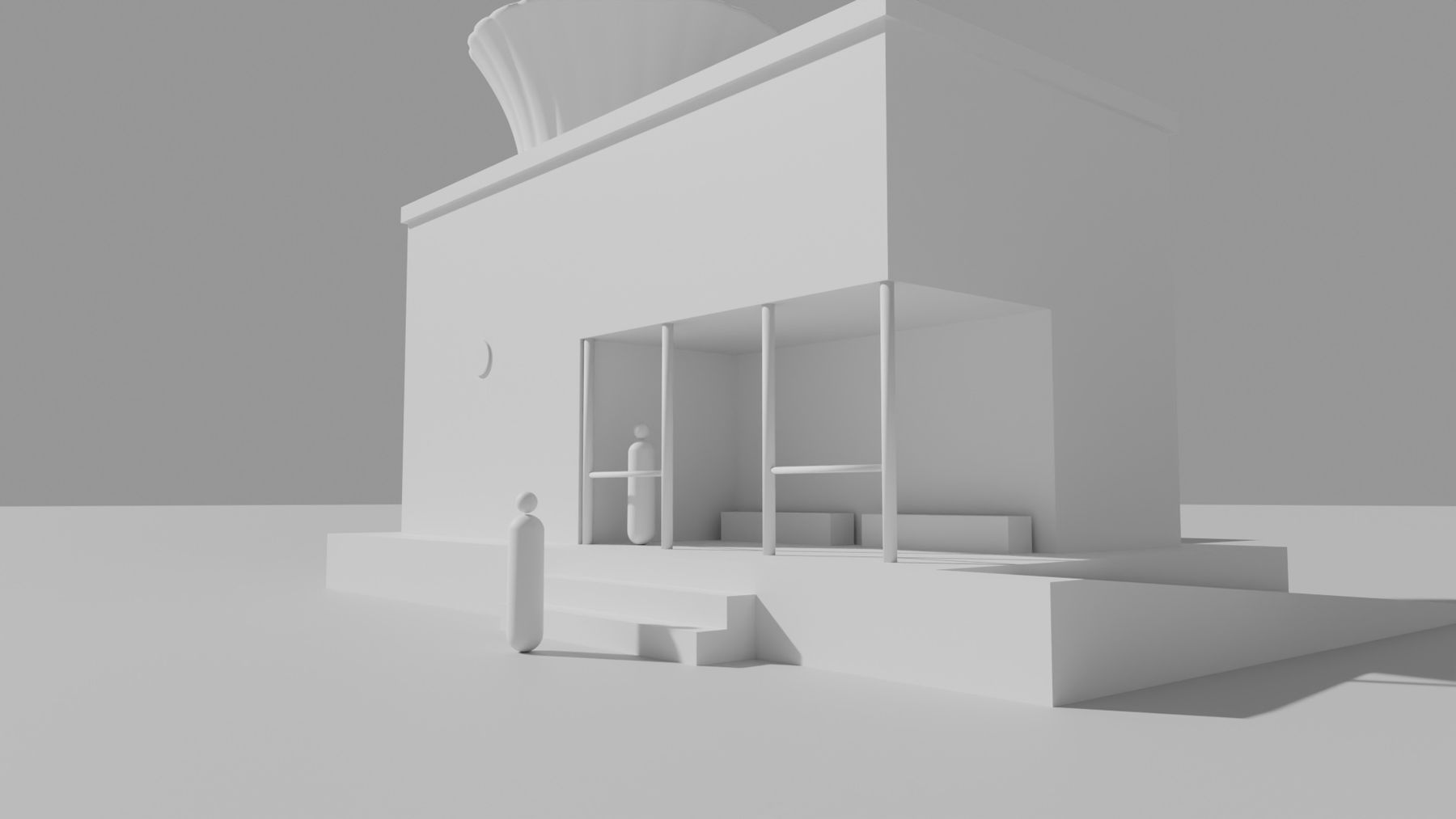
The form is decided before any pixels are generated.
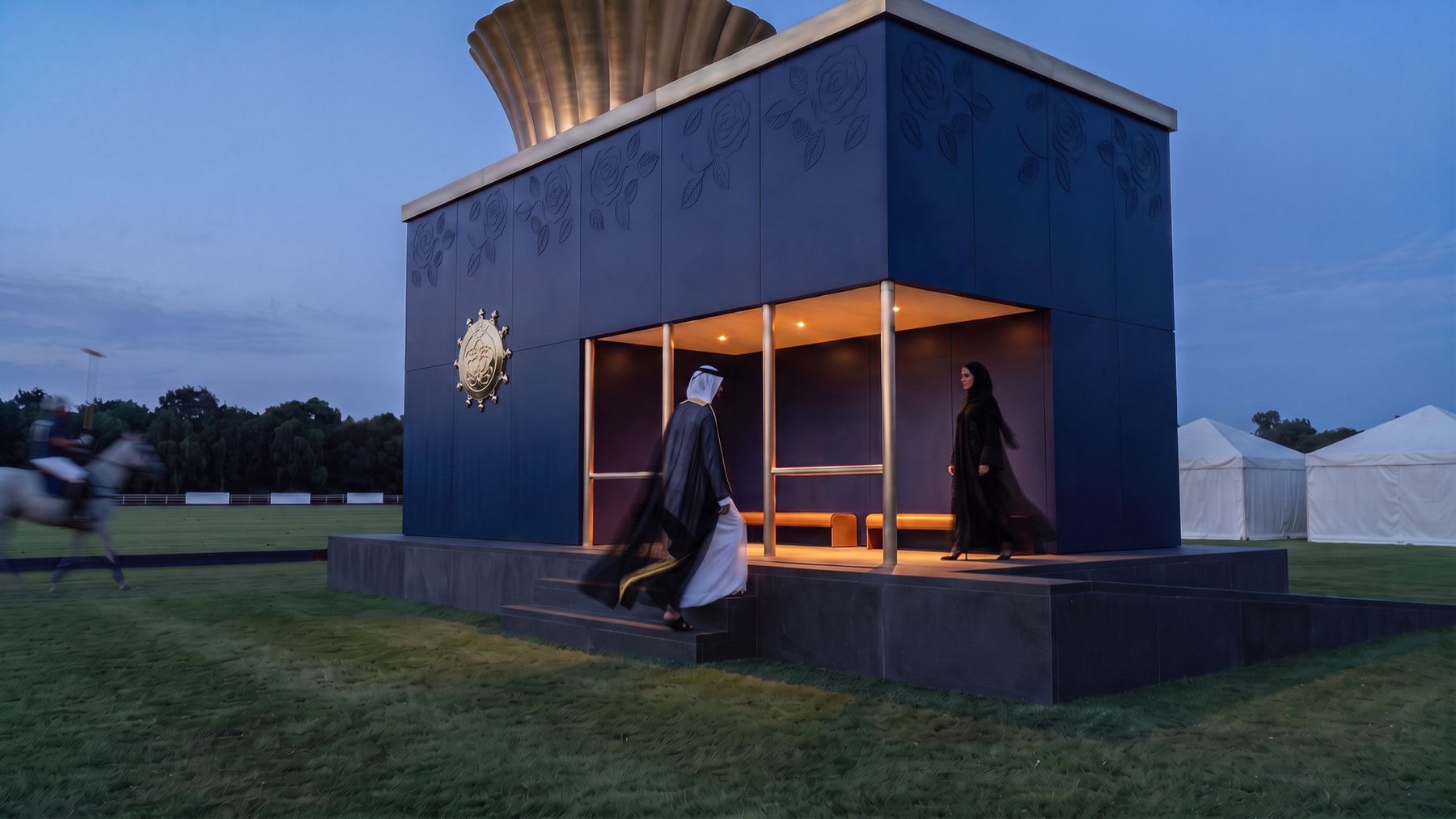
You build the idea as a simple 3D clay model: plain blocks and shapes at the right proportions, with no textures, materials or lighting. It doesn't need to be beautiful. It only has to be right. You can block it out by hand in Blender, or generate it from a script and a list of objects and sizes. Then you place cameras, render the clay from every view you need, and give each clay render to the image model. Its job is now narrow: make this form look real.
That gives you three things the earlier workflows can't:
- Any angle, on demand. Need a new view? Add a camera and render it. You don't need another round of guessing.
- Every view agrees. Every shot comes from one model, so the parts, proportions and placement are identical across angles. People see one idea, not several interpretations.
- Changes happen upstream. Change the model once and every angle updates. A revision becomes one edit, not a re-prompt of every shot.
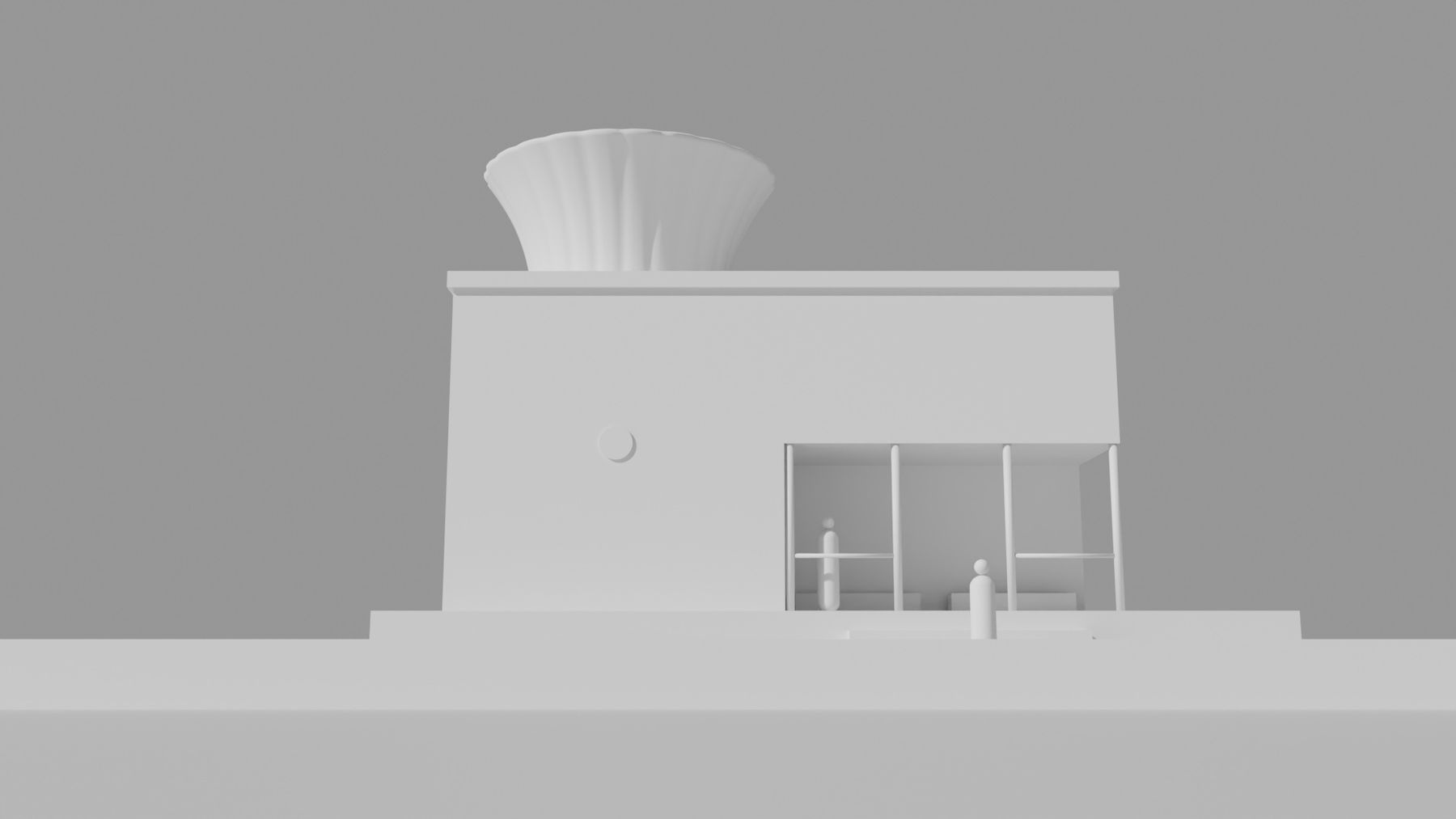
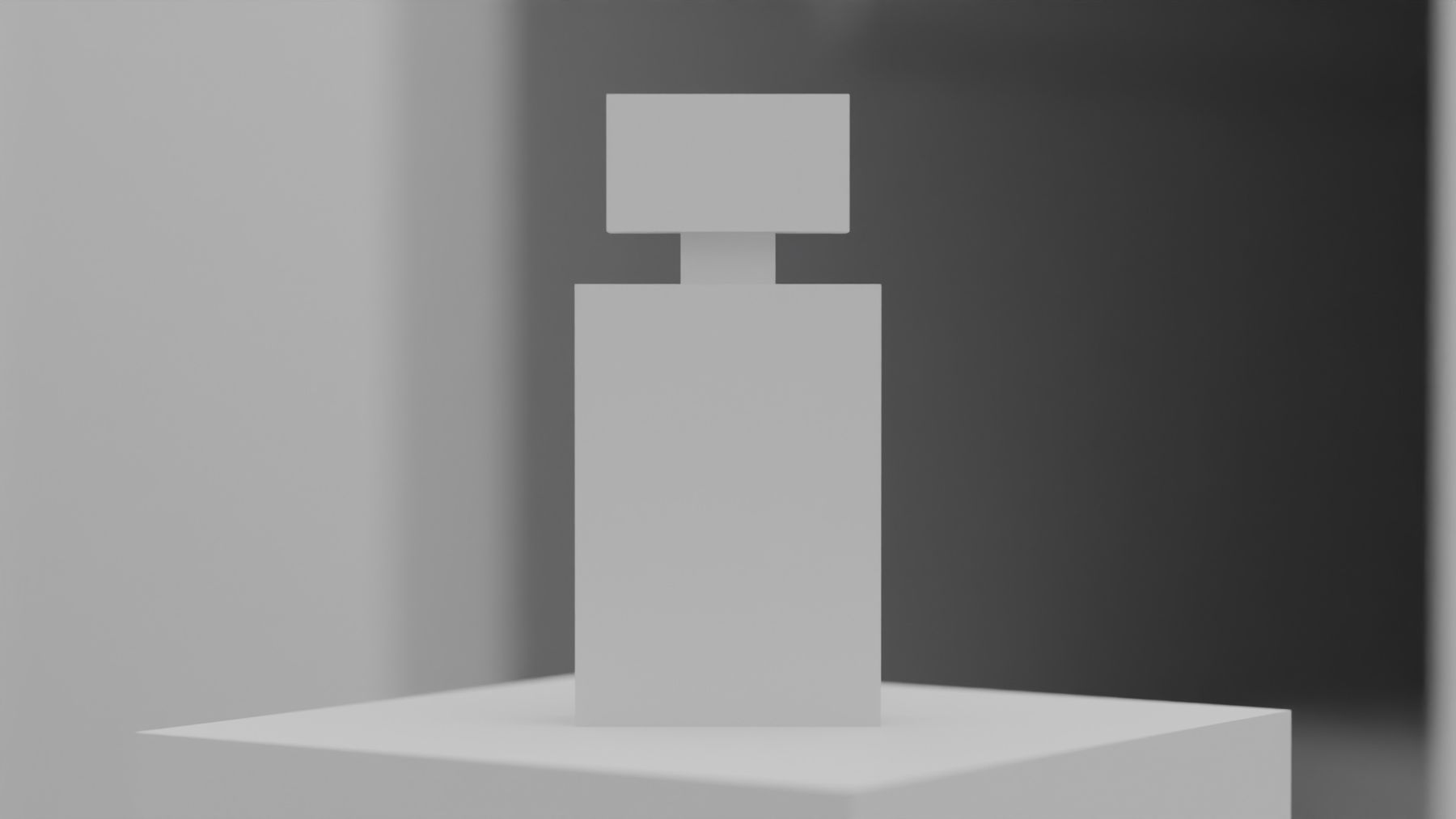
Does the prompt still matter?
Yes, it just has a narrower job. Form, proportion, placement and camera are already fixed by the clay. What's left is what image models are good at: materials, light, mood, finish and time of day.
That narrower job makes prompts reliable. Keep a fixed structure, and always pass references in the same order: clay first, then any plan, then material and style references. One reusable prompt can turn any approved shot into a night version or a new colourway by changing only that one thing.
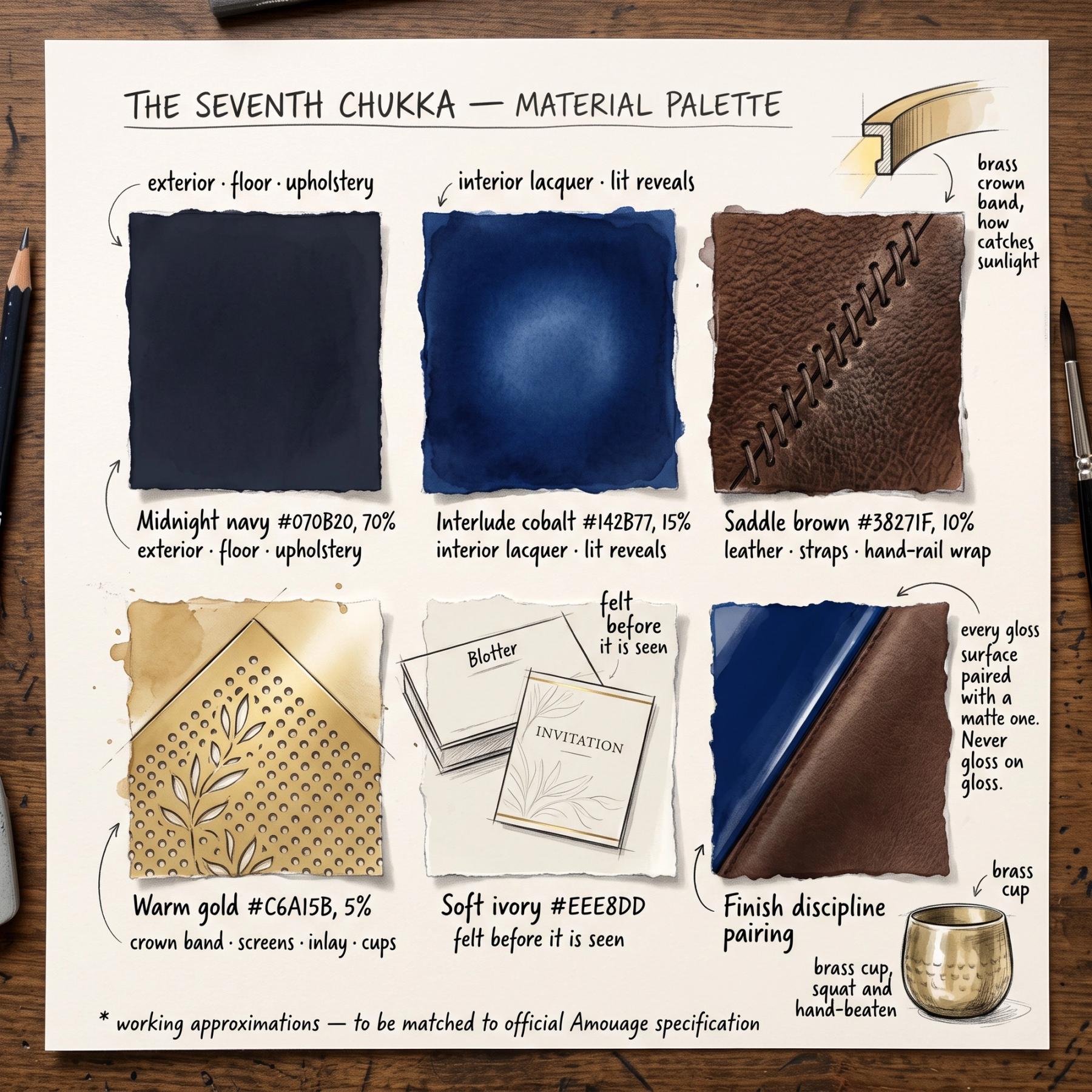

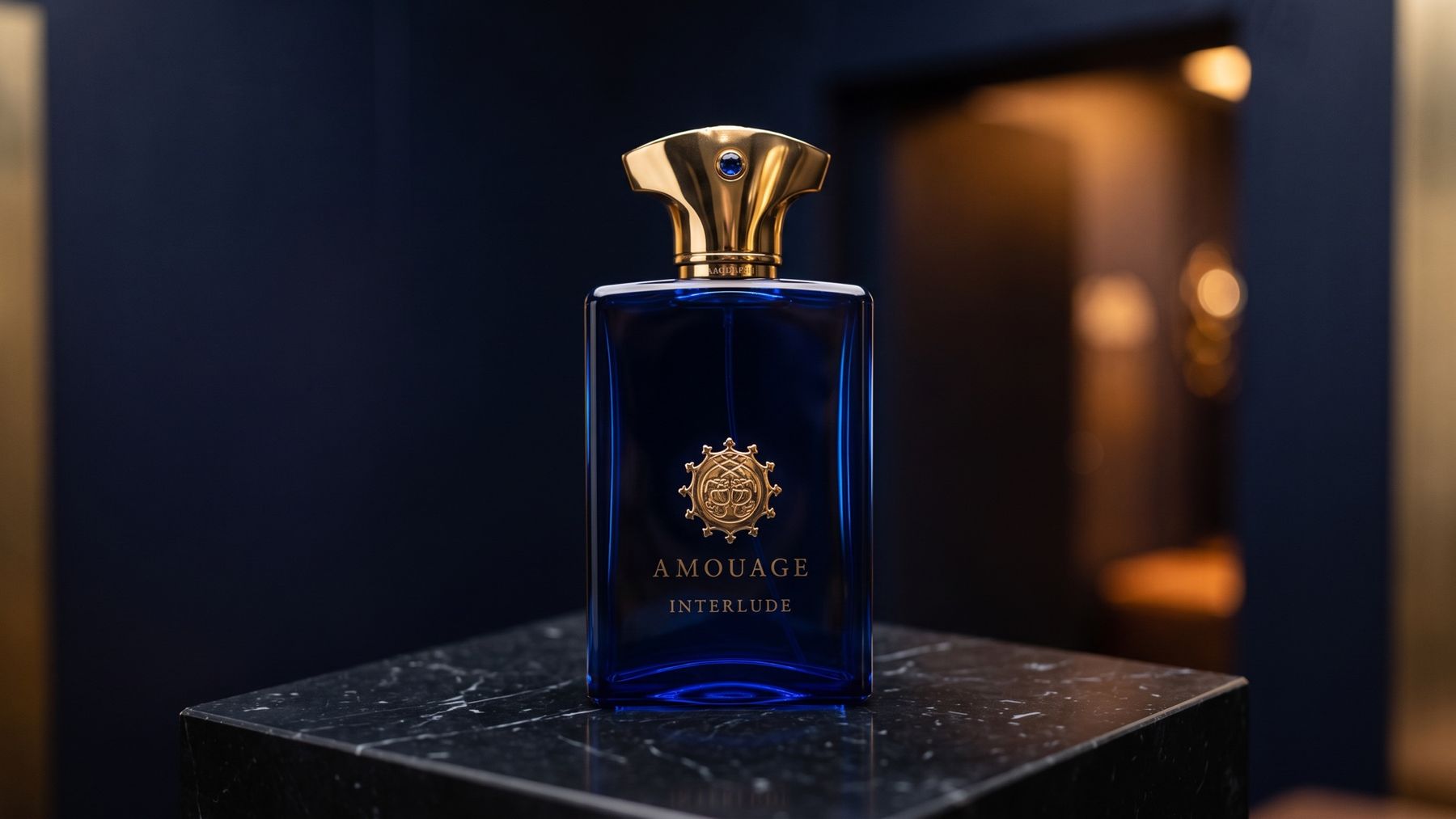
The look is decided before generation: a material palette and a product reference, passed after the clay.
The prompt directs the look. The clay decides the form.
What if things still move?
Sometimes they do, even with clay. The fix is to make the form explicit in the frame itself. Render a labelled copy of each clay view, with a name tag on every part ("CROWN", "COLONNADE", "EMBLEM PANEL"), and pass it in alongside the clay. Describe the frame in the prompt front to back, left to right.
When I added labels, parts stopped wandering. The model didn't get smarter. It just stopped having to guess.
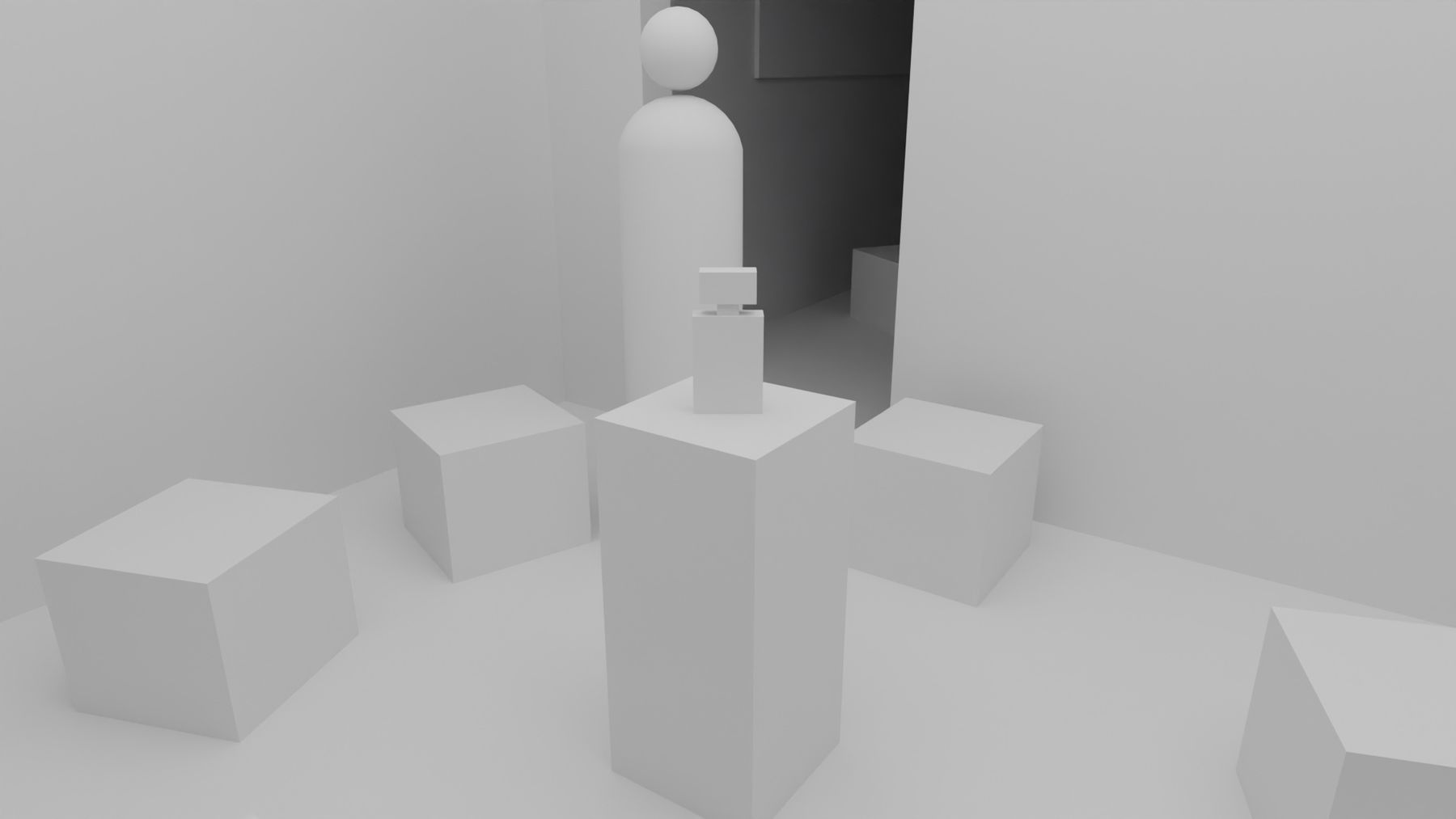
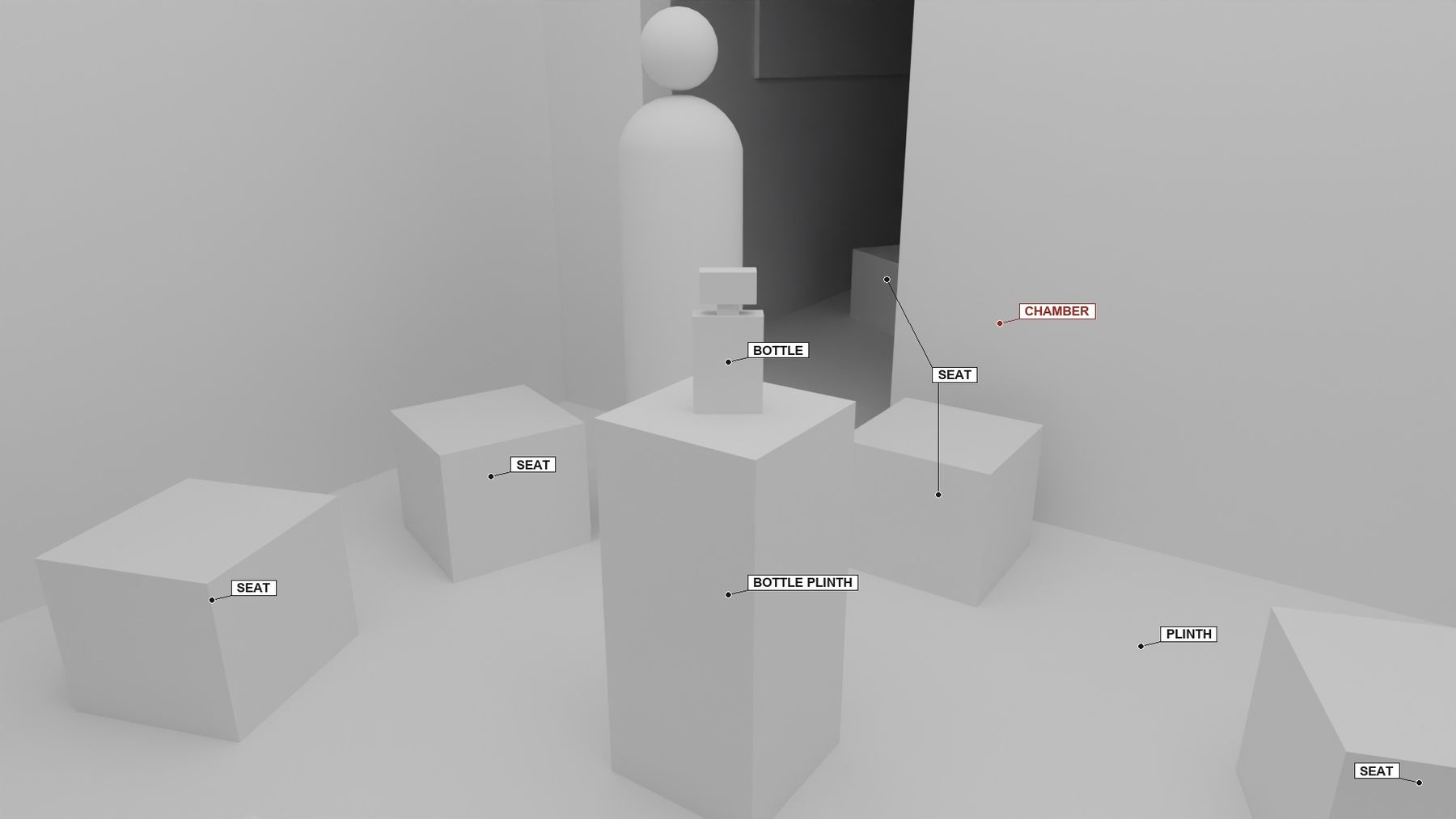
Clay, the same frame with every part named, and the render.
What doesn't clay-first solve?
- It doesn't come up with the idea. Every creative decision is still a human one. The clay only carries those decisions into every image.
- It doesn't remove drift completely. Small details still slip and invented text still appears. Fix each one with a targeted edit, one issue per pass.
- It doesn't do brand marks. Leave logo areas blank and add real logos by hand.
- It isn't a production model. The clay is for visualising the idea, not for manufacturing or construction.
When should you use it?
Use prompt-first when you're still exploring and every image can be different. Switch to clay-first the moment an idea needs to be shown more than once: a pitch, a review, a client deck, a set of angles. Anything with a form you care about qualifies, including products, spaces, sets, installations and packaging.
It's the same split I described in The 80% slide. AI makes the narrow choice it's good at, and a system holds what it would otherwise forget. Here, that's the shape of the idea.